.svg)
Authentication
Every request to the Client API needs two things: a Bearer token from your application, and your Subscription-Key. Both are enforced at the gateway — missing either one is rejected before it reaches the API.
1. Generate your credentials

In TMO, open Settings (gear icon, top right) → Integrations → API Configuration. Under External API Credentials, choose Test Environment or Live Environment depending on whether you want your calls scoped to test company data or live production data — the API itself is the same either way.
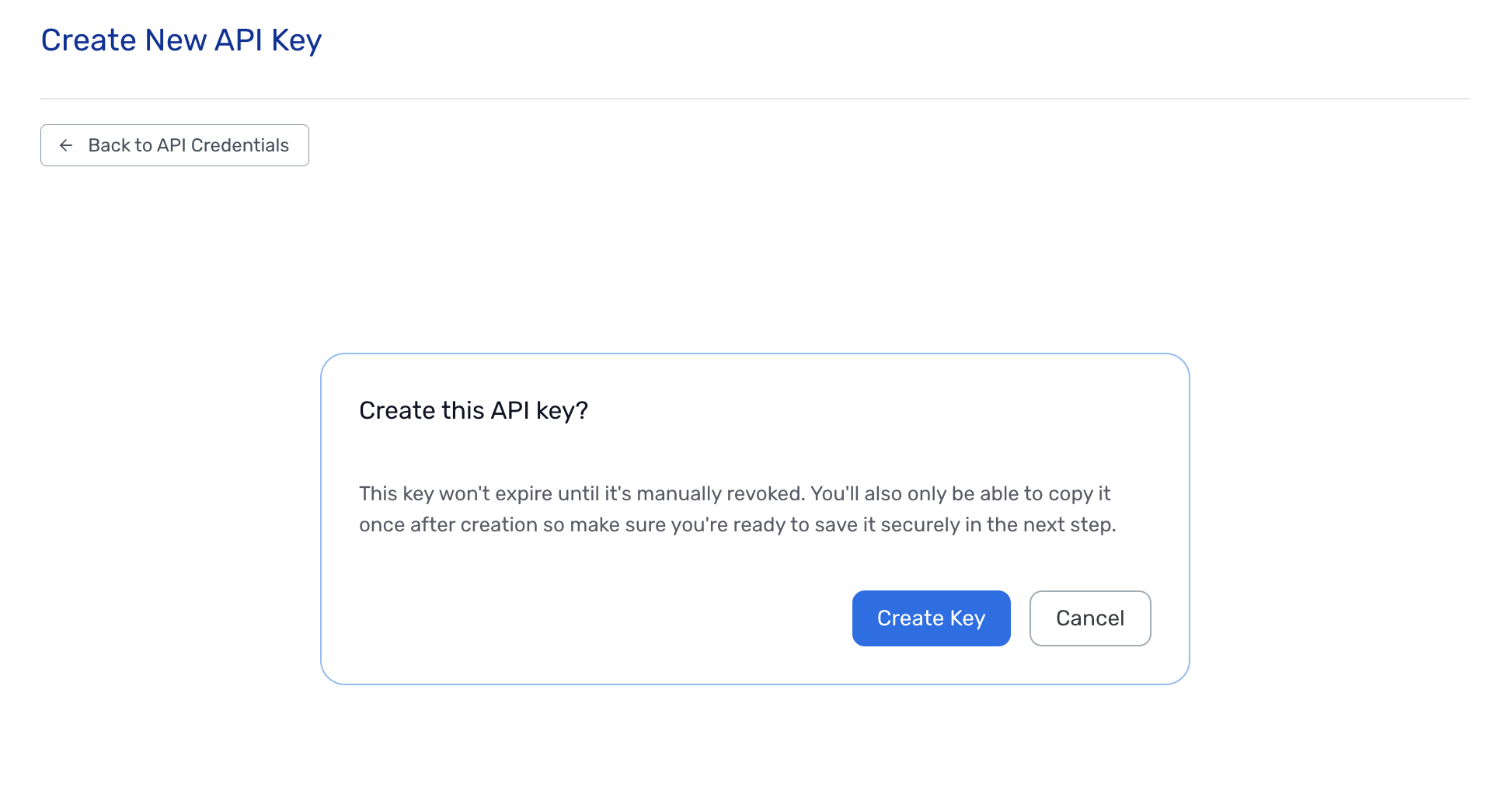
Under API Keys, select + Create Key. This is your Subscription-Key header value. It is shown exactly once — copy it immediately. Up to 2 active keys per environment.
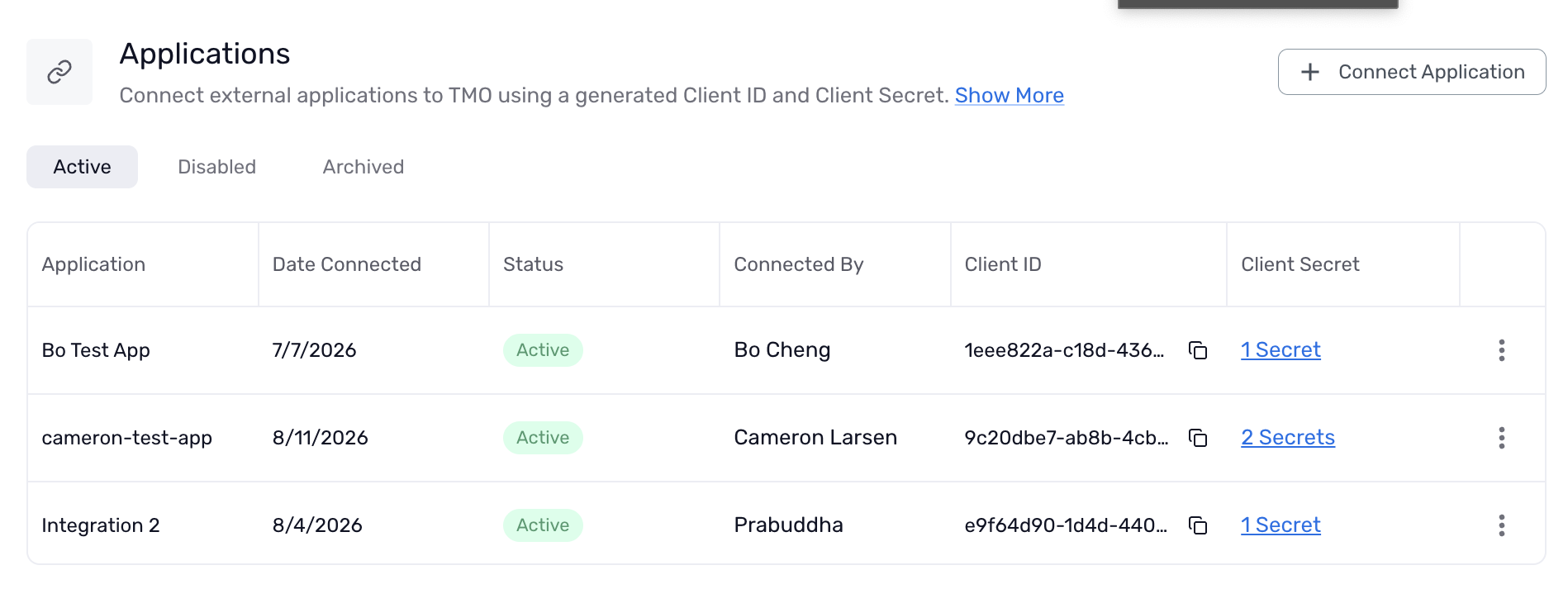
Under Applications, select + Connect Application, name it, and generate a Client Secret. This gives you a Client ID and Client Secret — use these to request your Bearer token. The secret is also shown only once.
2. Request a token
Send a POST request to the token endpoint with your credentials, form-urlencoded:
Endpoint: https://login.microsoftonline.com/api.themortgageoffice.com/oauth2/v2.0/token
Body — send all four as one form-urlencoded payload:
grant_type: client_credentials
client_id: <your Client ID>
client_secret: <your Client Secret>
scope: api://api.themortgageoffice.com/.default
The response includes an access_token valid for about an hour — request a new one when it expires rather than caching it indefinitely.
3. Call the API
Base URL: https://api.themortgageoffice.com/v2
Send both headers on every request:
Authorization: Bearer <access_token> from step 2.
Subscription-Key: the API Key from step 1.
Note the header name is exactly Subscription-Key
4. Verify it worked
Call GET /diagnostic/whoami before building anything else. A successful response confirms your credentials are valid and shows which company your request is connected to — useful for catching a Test/Live mismatch early.
A missing or invalid Bearer token returns a 401 identifying it as an authentication failure, distinct from a missing-Subscription-Key error — the response tells you which of the two credentials is the problem.